HomePod cập nhật tính năng Sound Glow biến bề mặt cảm ứng thành màn sáng theo nhạc
Apple vừa bổ sung tính năng Sound Glow cho HomePod và HomePod mini, cho phép phần bề mặt cảm ứng phát ra ánh sáng đổi màu theo bìa album đang phát. Người dùng có thể bật tính năng này thông qua ứng dụng Home hoặc trực tiếp từ Control Center trên Apple TV.
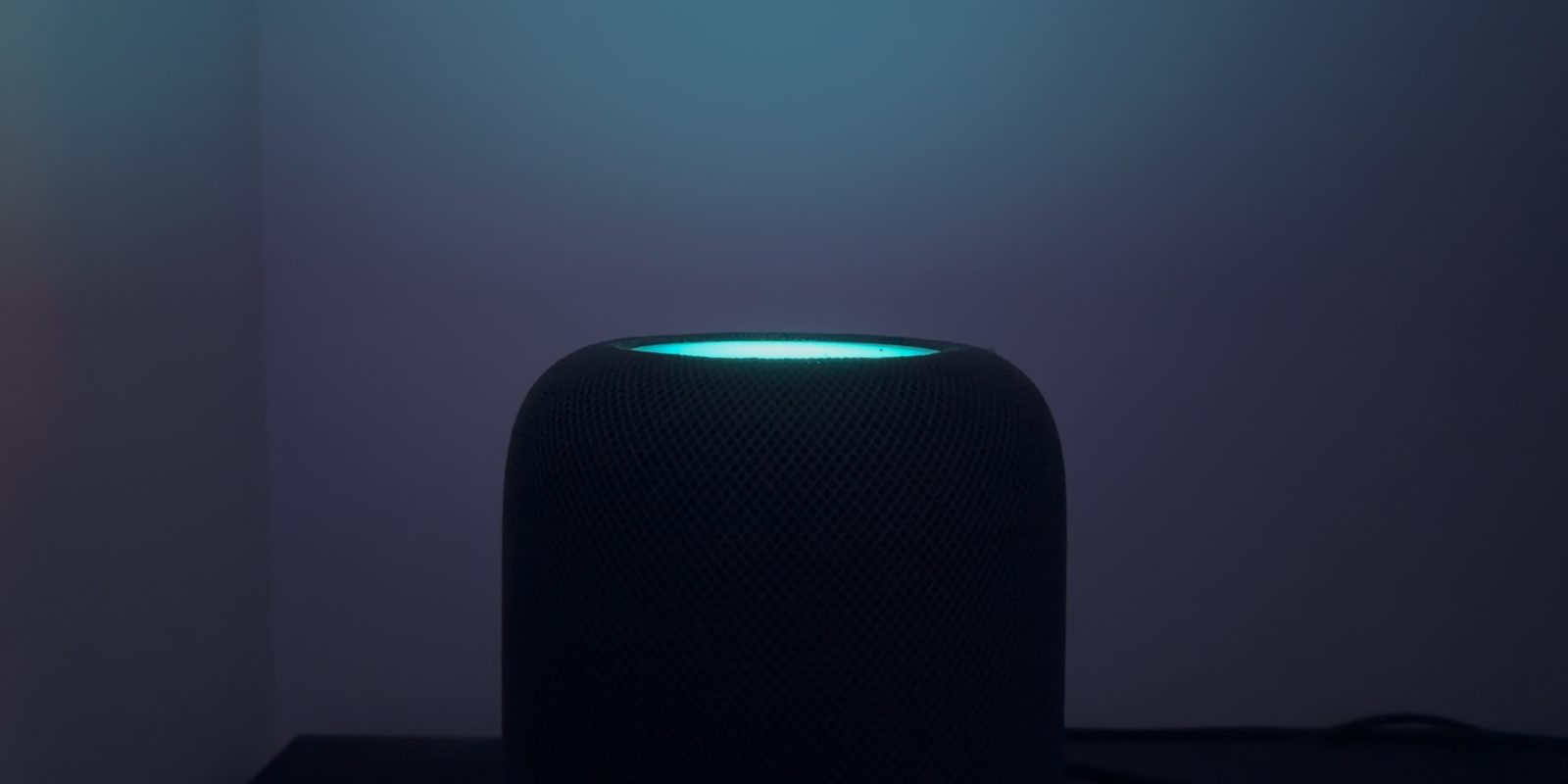
Apple is rolling out a new feature for HomePod mini and the second-gen big HomePod called Sound Glow. This lights up the touch surface of your speaker with colors that reference the album artwork of the currently playing song, perhaps adding some additional ambience to a party vibe.
Here’s how to enable the new Sound Glow feature …
Sound Glow is supported by HomePod mini and HomePod mini, and the second-generation HomePod. Only the original big HomePod is excluded.
Sound Glow shows animated ambient light effects based on what’s playing, so you have to be playing music or a podcast with album artwork for it to work. In practice, you see two or three dominant colors from the artwork and these balls of color bounce around the surface to give a bit of motion.
The output brightness of a HomePod ‘screen’ is not that bright, but if you have the HomePod against a white wall, you get some visible color cast in a dark room even if you can’t see the top of the HomePod itself.
How to enable Sound Glow on HomePod
To enable Sound Glow, make sure to update to the latest software version 27.2 (currently in release candidate beta). Then, open the Home app, long-press on your HomePod and scroll down to the settings. There will be a new toggle for Sound Glow. Just enable it to activate and start playing music to see it in action.
You can also enable Sound Glow from the Control Center on an Apple TV, when paired to HomePods. Long-press on the Apple TV remote, scroll across to select the HomePod menu item, and then click to enable or disable Sound Glow. It’s quite handy that it is easily accessible here as that means you can quickly turn it on if you are hosting a party, and easily turn it off for the rest of the year when it might be too distracting.
Nguồn: 9to5Mac · Bản dịch tiếng Việt của VGSNews, chỉ để tham khảo.